Bitly Alternatives: What to Look For Before Choosing a New URL Shortener
Looking for a URL Shortener That Fits Your Needs? Choose ME-Short-Link to create short links, edit destinations, track clicks, and generate downloadable QR codes. Explore advanced options like UTM tracking, Smart Links, and analytics export with Premium. Compare the features and find the plan that works for your projects.


Bitly is a well-known URL shortener, but it may not be the right fit for every user. Depending on your needs, you might want more flexible link management, different analytics options, built-in QR code generation, or a pricing plan that better matches your budget.
Searching for a Bitly alternative is not just about finding another tool that turns long URLs into short links. It's about understanding which features you need, what limitations you can accept, and how a different service will fit into your daily workflow.
In this guide, we'll explain what to look for when evaluating URL shortener alternatives, which features matter most, and how to compare services before making a switch.
Why Look for a Bitly Alternative?
People consider alternatives for different reasons. A tool that works well for occasional link sharing may not provide everything a business or marketing team needs.
Here are some common reasons to explore other options:
- Pricing: You want a plan that offers the features you need without paying for tools you rarely use.
- Link limits: Your current subscription may restrict how many short links or QR codes you can create.
- Analytics: You need a different set of reporting features to understand link performance.
- Link editing: You want to change destination URLs without replacing links that have already been shared.
- QR codes: You prefer a URL shortener that also generates downloadable QR codes.
- Marketing tools: You need UTM tracking, traffic targeting, or smart redirects.
- Ad-free redirects: You want visitors to reach the destination without an advertising step.
Before switching, identify which of these limitations actually affect your workflow. This will help you choose a tool based on practical requirements rather than simply looking for a service with a longer feature list.
8 Things to Look for in a Bitly Alternative
Not every URL shortener offers the same combination of features. Use the following criteria to evaluate different services.
1. Flexible Short Link Creation
The first requirement is straightforward: the service should make it easy to create and share short URLs.
However, consider how many links you can create and whether the service supports your expected usage.
Check:
- How many short links are included in the free plan?
- Are there monthly or lifetime creation limits?
- Can you create links without registering?
- Does the service support custom aliases or branded domains?
- Can you organize links for different projects or campaigns?
If you only shorten a few URLs occasionally, a basic free plan may be enough. Businesses and marketers who create links regularly should pay closer attention to monthly limits and account management features.
2. Editable Destination URLs
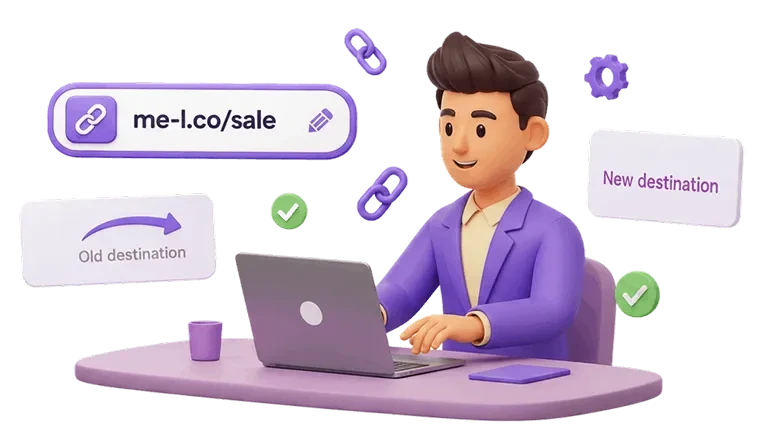
A short link can continue to appear in social media posts, email newsletters, advertisements, and printed materials long after it is published.
That makes destination editing an important feature.
Imagine you share a link to a product page, but later the product moves to a new URL. Without editable destinations, you may need to replace the original link everywhere it appears.
A URL shortener with editable destinations lets you update where the short link leads without changing the short URL itself.
When comparing alternatives, check whether destination editing is included in the free plan or reserved for paid subscriptions.
3. Link Tracking and Analytic
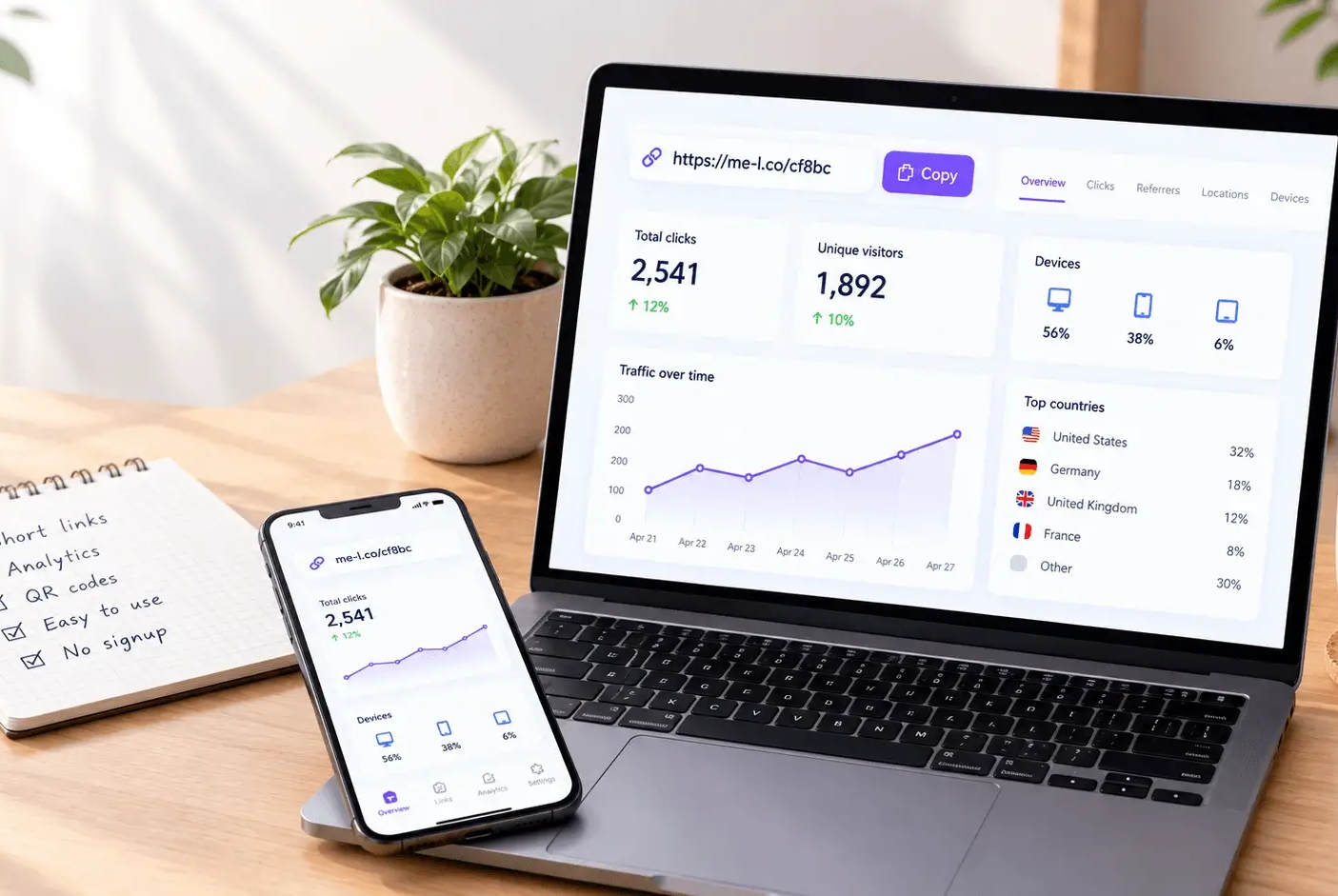
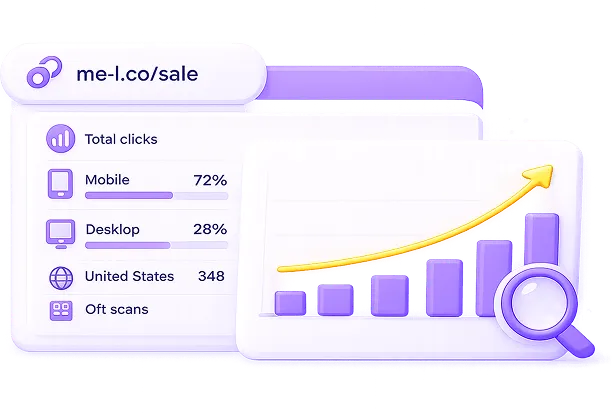
Short links can provide more than a convenient way to share URLs. They can also help you understand how people interact with your content.
Look for analytics that help answer questions such as:
- How many clicks did a link receive?
- Which devices were used to open it?
- Which countries generated traffic?
- How does one campaign link perform compared with another?
- Can you review historical performance?
The available metrics vary between providers and subscription plans.
If you use short links for marketing, analytics can help you evaluate campaign activity and understand which channels attract more attention.
You should also distinguish between link clicks and website conversions. Click tracking shows activity around a short link, while conversion measurement requires appropriate tracking on your website or in a compatible analytics platform
4. QR Code Generation
QR codes are useful when you want to connect printed materials with online content.
For example, businesses can use them on:
- Posters and flyers
- Product packaging
- Restaurant menus
- Business cards
- Event tickets
- Brochures and promotional materials
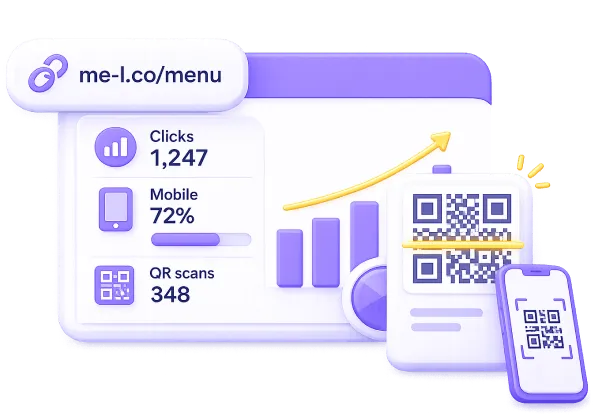
Some URL shorteners include QR code generation alongside link creation. This can simplify the process because you can create a short link and its corresponding QR code within one workflow.
When evaluating a Bitly alternative, check whether QR codes are included in the free plan, how many you can generate, and whether downloads are available.
Also consider whether QR code scans can be tracked through the connected short link. This can help you understand how offline materials contribute to online traffic.
5. UTM Tracking and Campaign Management
If you manage marketing campaigns, basic click counts may not provide enough information.
UTM parameters help identify traffic sources and campaigns in compatible analytics platforms, such as Google Analytics.
For example, you might use different campaign parameters for:
- Instagram advertisements
- Email newsletters
- Facebook promotions
- Partner websites
- Printed marketing materials
A URL shortener with UTM tracking can make it easier to prepare campaign links and maintain consistent tracking parameters.
Before choosing a service, check whether it supports UTM parameters, whether you can customize campaign values, and which subscription includes the feature.
For marketers who manage several campaigns at once, these capabilities can make link creation and reporting more organized.
6. Smart Redirects and Traffic Targeting
Some URL shorteners offer more advanced redirect options.
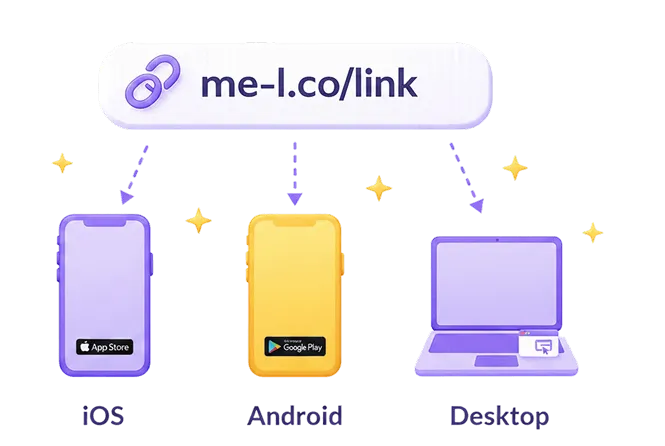
Instead of sending every visitor to the same destination, smart links can direct people according to configured rules.
Depending on the service, these rules may include:
- Mobile targeting: Send visitors to different destinations based on their device or operating system.
- Geo targeting: Direct visitors to relevant pages based on their country.
- Traffic targeting: Split traffic between multiple destinations for testing or campaign distribution.
For example, a business promoting a mobile application may want iOS users to visit the App Store and Android users to visit Google Play.
These features are not necessary for every user. However, they can be valuable for international businesses, app campaigns, and marketers who want more control over their traffic.

7. Ad-Free Redirects
Some free URL shorteners may display advertising before visitors reach the destination page.
This is worth considering if you use short links in professional communications, customer-facing campaigns, or business materials.
Check whether the service offers an ad-free option and how it works:
- Does the free plan include advertising?
- Can you remove ads from individual links?
- Is an ad-free experience available for all links?
- Does removing ads require a paid subscription?
For customer-facing links, a direct and predictable redirect experience can be an important part of the overall impression.
8. Analytics Export and Reporting
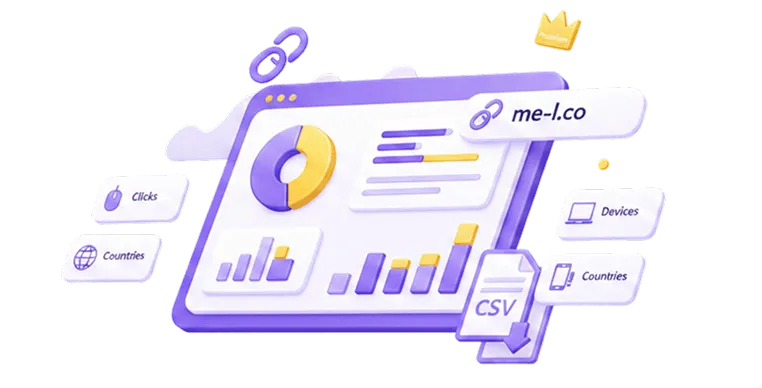
If you regularly review link performance, the ability to export analytics can save time.
Instead of relying only on an online dashboard, you can use exported data in reports, spreadsheets, and campaign reviews.
Before choosing a service, check:
- Whether analytics export is available.
- Which file formats are supported.
- Whether export is limited by plan.
- What information is included in exported reports.
- Whether the available data covers the reporting period you need.
This feature is especially useful for marketing teams and businesses that need to share performance reports with colleagues or clients.
How to Compare URL Shortener Pricing
Pricing is an important part of choosing a Bitly alternative, but the cheapest plan is not always the best value.
Two services may have similar subscription prices while offering different link limits, analytics, QR code allowances, and marketing features.
Use this checklist when reviewing pricing:
|
Pricing factor |
What to check |
|
Free plan |
Which features are available without payment? |
|
Link limits |
How many links can you create per month or in total? |
|
QR codes |
Are QR codes included, and are there creation limits? |
|
Analytics |
Which metrics are available on each plan? |
|
Editable links |
Can you update destinations without upgrading? |
|
Ad-free options |
Are redirects free of advertising? |
|
Marketing tools |
Are UTM tracking and smart redirects included? |
|
Analytics export |
Can you export data, and which plan includes it? |
Pay attention to how the provider defines its limits. A monthly allowance of new links is different from a lifetime account limit. Similarly, unlimited clicks do not necessarily mean unlimited link creation.
It's also worth considering whether a subscription includes additional services or tools that you would otherwise need to purchase separately.
For a more detailed look at available plans, compare the provider's pricing page with the features you expect to use.
How to Evaluate a Bitly Alternative Before Switching
Once you have a shortlist, test each service against your actual requirements.
Here is a simple process:
Step 1: List your current needs.
Write down how you use short links. Do you mainly share URLs, manage marketing campaigns, generate QR codes, or monitor link performance?
Step 2: Identify the limitations you want to solve.
For example, you may need more flexible destination editing, additional analytics, or a different pricing structure.
Step 3: Compare free and paid plans.
Don't assume that a feature is included just because the provider advertises it. Check the exact subscription level and any usage limits.
Step 4: Test the main workflow.
Create a few test links, update their destinations, generate QR codes, and explore the analytics dashboard.
Step 5: Review your reporting needs.
If you use campaign tracking, check how the service handles UTM parameters and analytics export.
Step 6: Plan the transition.
Before moving all your links, identify which existing URLs are most important. Test your new setup and make sure your destinations work as expected.
This approach helps you avoid switching to a service that solves one problem but creates another.


ME-Short-Link as a Bitly Alternative
When comparing services, ME-Short-Link is one option to consider if you want short link creation, editable destinations, analytics, QR codes, and additional marketing tools.
Its features cover several of the criteria discussed in this guide:
- Editable Short Links: Update destination URLs without changing the short link.
- Link Tracking: Monitor click activity and available traffic information.
- QR Code Generation: Create downloadable QR codes for short links.
- Ad-Free Links: Lite removes ads from one selected link, while Premium removes ads from all links.
- UTM Tracking: Add campaign parameters to supported links with Premium.
- Smart Links: Use mobile, geo, and traffic targeting with Premium.
- Analytics Export: Export link analytics data with Premium.
- ME-QR Premium access: Included with the ME-Short-Link Premium subscription.
ME-Short-Link may be a good fit if you want to combine everyday link management with QR codes and advanced marketing tools.
Final Thoughts
Choosing a Bitly alternative requires more than comparing the number of features or looking for the lowest subscription price.
Think about how you create, share, edit, and track links. For some users, basic shortening is enough. Others may need analytics, QR codes, UTM tracking, smart redirects, or analytics export.
The most useful URL shortener is the one that supports your actual workflow and offers the right balance of features, limits, and pricing.
Start by identifying your requirements, compare available plans, and test the features you expect to use. This will help you choose a URL shortener that works for your needs now and can support your projects as they grow.
Frequently Asked Questions
You may want to explore alternatives if you need different pricing, more flexible link management, editable destinations, QR code generation, additional analytics, or marketing features. The right reason depends on which limitations affect your current workflow.


Was This Article Helpful?
Click on a star to rate it!
Thank you for your vote!
Average Rating: 5/5 Votes: 1
Be the first to rate this post!

Tech entrepreneur & digital strategist with over 9 years of experience in backend development and more than 5 years in executive leadership. Education Software and Web developer. More than 20 years of experience in software and web development.
View LinkedIn Profile