Why should you spend more time and create a unique QR code design? Search for answers with the ME-QR team.
To create QR code that will not only work smoothly, but also look creatively, it is worth putting in maximum effort and imagination. Of course, you can just create a black and white QR code, but we think that it is worth taking care and come up with your own creative QR code design.
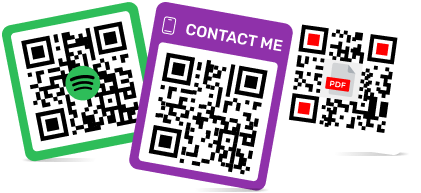
We are 100 percent sure that a custom QR code with a logo is more popular and better visually perceived by users. Due to the fact that QR codes are in all spheres of human life, you need to take care that your codes stand out from the rest QR codes.
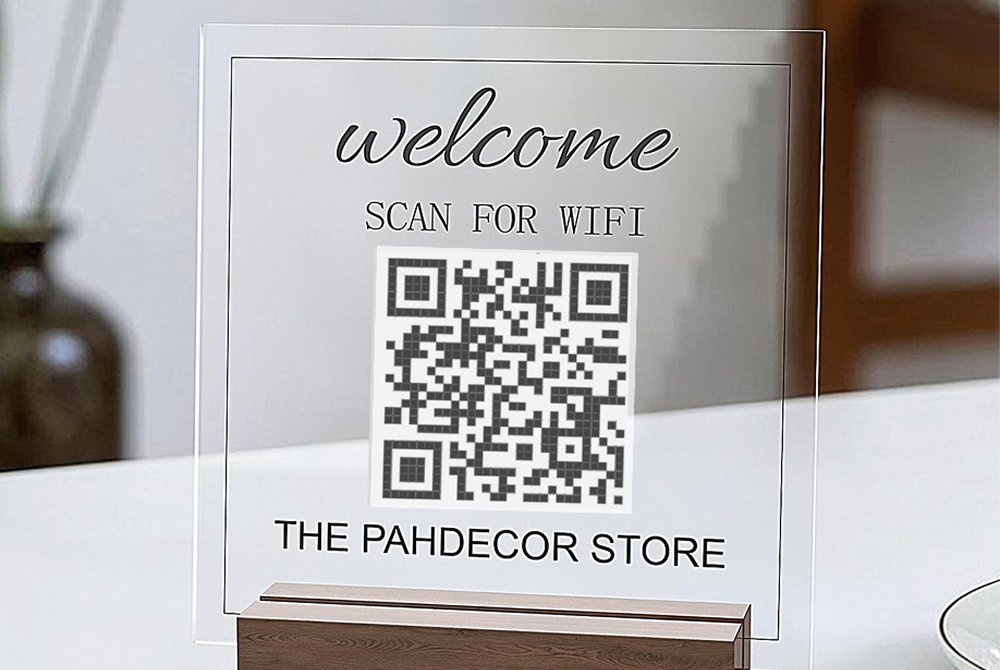
In addition, if you are the owner of a business or just create a QR code for some occasion, you can add a company’s logo, a picture or change QR code color. In this case, you have no limitations. The main thing is to pay attention so that it can be scanned without problems. Today we will tell you about all the interesting possibilities and how to create QR code with a logo free.
To create a QR code for a link, video or picture - click on the button below.
Create color QR code and forget about black and white QR codes. 5 reasons to do it now!

Express your personality with QR code. Your QR code will be more interesting and important for potential customers. Because you know your customers and you can style the QR code so that it grabs their attention.
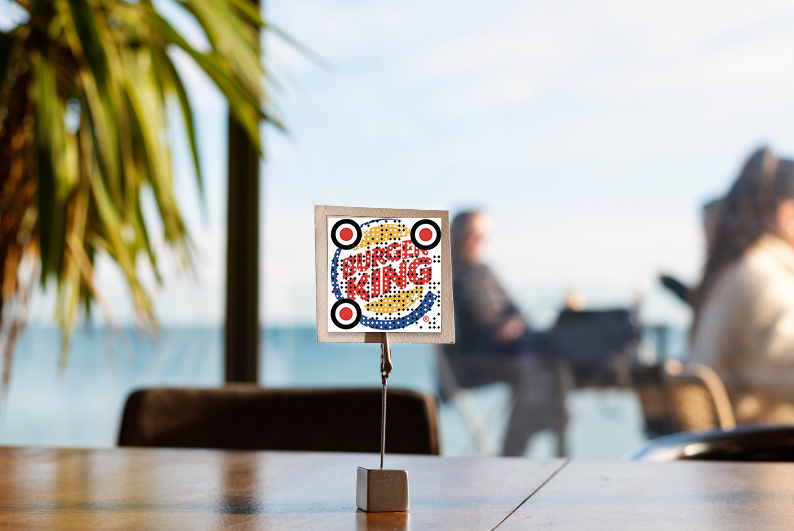
Promote your brand with QR code. You can use our QR maker with a logo and create a QR code with your company logo. For example, by scanning the code, users will immediately understand what kind of company it is. We would like to draw your attention to the fact that if this logo doesn’t in any way relate to your business and company, you should not use it. It is better to choose some appropriate picture.
Test all your QR codes and choose the one that is more popular among users. For example, if you have the same QR code, which is located somewhere, but one is in original format, and another, for example, QR code picture frame, then you can track which code is scanned more often. But it is worth noting that you can track it if you created dynamic QR code, not static QR code.
Find a balance between the QR code and other information that is placed next to the code. You have to remember not only about the aesthetics, but also that the code is in harmony with where it is placed. For example, it shouldn't be too dark if you want to place it on a dark background.
QR code is as cool a business tool as, for example, advertising on the Internet or on some print media. Therefore, we advise you to attentively consider the creation of QR code.
These are just a couple of examples to start redesigning your code and use the color QR code generator. We are sure there are more reasons, and when you feel all the benefits of unusual codes, you will never use the code in it’s original format again.
Design your own QR code: tips from the ME-QR team
So we moved on to the most interesting part: what can be done with QR code so that more people notice, scan and remember it. We advise you to be creative and heed our advice. And as a result, you get the perfect QR code
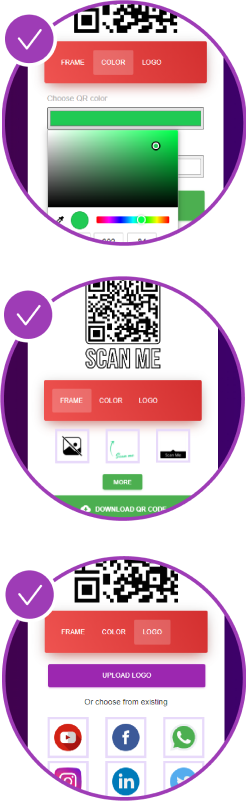
• Choose the color that best emphasizes your QR code. You can try using contrasting colors, but keep the emphasis on the QR code. Don’t use too light shades, because the code may not be scanned. Also, color QR code and background should be different.
• Make a QR code with a logo or picture. This will increase brand awareness and it has already been proven that such code is scanned more.
• You can make a QR code frame. Then the code will stand out more and you will add an original design to it.
• Remember to leave white space between the code and the rest of where the QR code is placed. Otherwise, it will be difficult to scan.
• Add a call to action, that is, immediately depict what the users will receive if they scan your code. For example, send a message, like the page, etc.
Custom QR code: some important rules

• You can improve the design when creating both static and dynamic QR codes. But if you plan to print the code, use dynamic code to be able to change it.
• Also, don’t forget that the code doesn’t take up all the space on the printed material, but also that it is not too small.
• Check if your QR code is working correctly. Make sure the code directs after scanning to the correct location.
• Add high quality images and logos so as not to spoil the overall impression of your QR code.
Let summarize
If you listen to our advice and understand the whole logic of the QR code, you can get a powerful tool for business, study, communication, etc. Therefore, we suggest you put your information into practice and create an original QR code on our website. Don't be afraid to experiment and be creative!
Frequently Asked Questions about QR code design
Adding brand elements such as colors, logos, or visual styles helps users instantly associate the QR code with a specific business. This strengthens brand recognition and reinforces brand consistency across marketing channels.
Colored QR codes attract more attention and integrate better into modern design layouts. When used correctly with sufficient contrast, they enhance visual appeal without compromising scan reliability.
Placing a logo in the center of a QR code increases recognition and scan confidence. When properly sized and positioned, logos enhance branding without interfering with code readability.