Sawetara barang sing migunani kanggo sampeyan
Kita wis milih sawetara barang menarik sing bisa dadi minat kanggo sampeyan
How to Track Marketing Campaigns with Short Links
Create trackable short links with ME-Short-Link, monitor clicks, and understand where your traffic comes from. Use UTM tracking, Smart Links, and analytics export to make more informed marketing decisions.

- What Is Campaign Tracking?
- Link Tracking vs. UTM Tracking
- Step 1: Create a Short Link for Each Campaign Channel
- Step 2: Add UTM Parameters to Your URLs
- Step 3: Use Short Links for Ads and Other Marketing Channels
- Step 4: Monitor Link Activity and Campaign Performance
- Step 5: Export Analytics for Reporting
- Step 6: Use Your Findings to Improve Future Campaigns
- Common Campaign Tracking Mistakes to Avoid
- Final Thoughts
- Frequently Asked Questions
Marketing campaigns can bring visitors from social media, email newsletters, paid ads, websites, and offline materials. But how do you know which channels generate clicks and which campaigns perform best?
Short links make campaign tracking easier. They give you a simple way to share destinations, monitor link activity, and compare traffic across channels. When combined with UTM tracking, they can also help you understand how visitors arrive at your website and evaluate campaign performance.
In this guide, you’ll learn how to set up trackable short links, measure campaign activity, and use the data to improve your marketing decisions.

What Is Campaign Tracking?
Campaign tracking is the process of measuring how people interact with your marketing activities. It helps you understand which channels and campaigns attract attention and bring visitors to your website.
For example, you might promote the same product through:
- Instagram posts and Stories
- Email newsletters
- Google Ads or social media ads
- Blog posts and partner websites
- QR codes on printed materials
Without tracking, it can be difficult to distinguish the traffic generated by each source. Campaign tracking gives you data you can use to compare results and make informed decisions.
Two useful methods are link tracking and UTM tracking. They work together but serve different purposes.
Link Tracking vs. UTM Tracking
Link tracking measures activity around a specific short link. UTM tracking adds campaign parameters to a destination URL so compatible analytics tools, such as Google Analytics, can identify traffic sources and campaigns.
|
Feature |
Link tracking |
UTM tracking |
|
Main purpose |
Measure short-link activity |
Identify campaign traffic in analytics tools |
|
Typical data |
Clicks and available traffic details, such as devices or countries |
Source, medium, campaign, and other tagged values |
|
Where you review results |
Your short-link analytics dashboard |
A compatible analytics platform |
|
Best use |
Comparing activity across individual links |
Understanding how campaign visits behave on your website |
Using both methods gives you a more complete view: link tracking shows how people interact with your shared links, while UTM tracking helps you analyze visits attributed to your campaigns.
Step 1: Create a Short Link for Each Campaign Channel
Start by creating a separate short link for each channel or placement you want to measure.
For example, if you’re promoting a new product, you could use different links for an Instagram Story, an email newsletter, and a paid advertisement.
This makes it easier to compare their activity instead of grouping all clicks under one shared link.
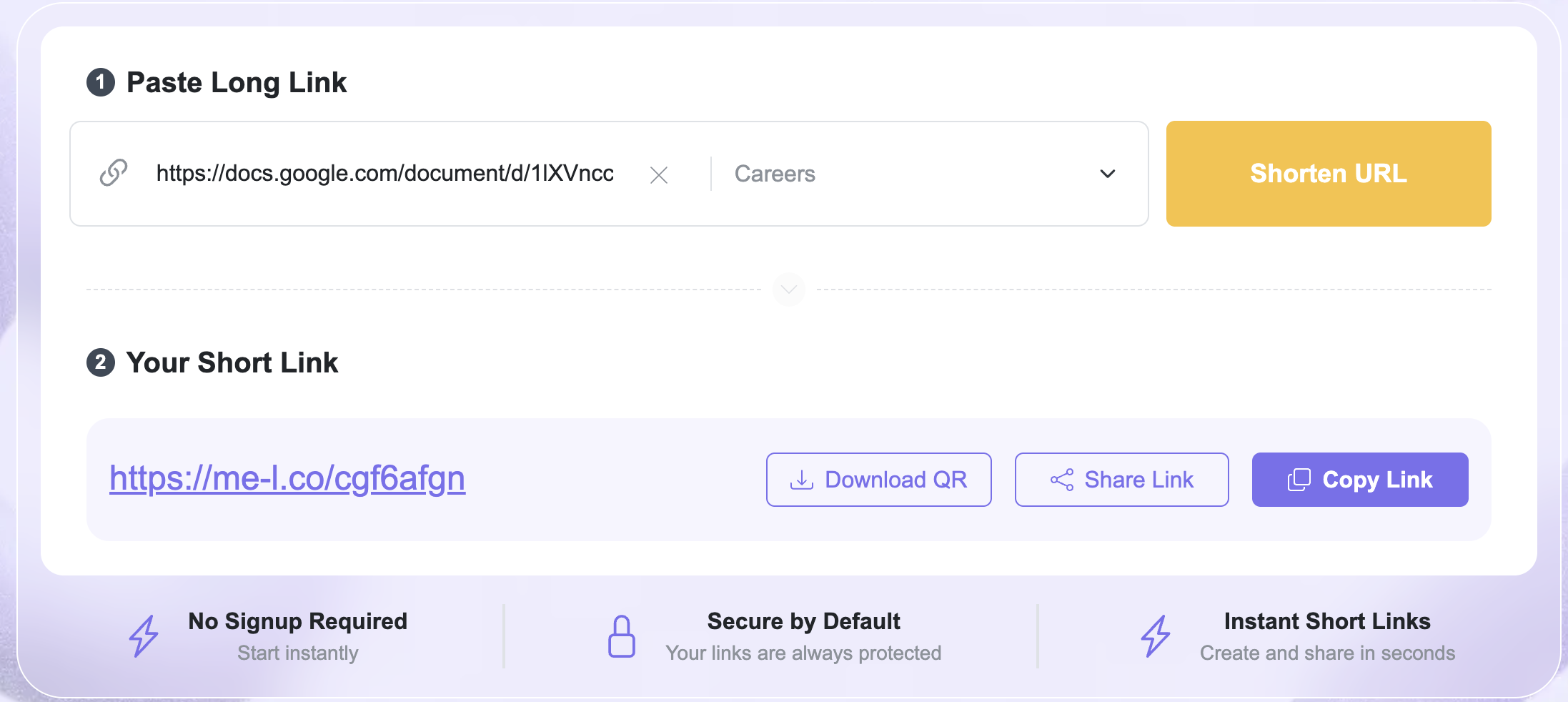
With ME-Short-Link, you can create short links from long URLs and share them across your marketing channels. You can also update a link’s destination later without changing the short URL itself.
Tip: Use a separate link whenever you need to distinguish between placements. If you share the same link everywhere, its click data may not tell you which placement generated each interaction.
Step 2: Add UTM Parameters to Your URLs
UTM parameters are tags added to a URL. They help analytics platforms identify where a visit came from and which campaign generated it.
The most common UTM parameters are:
- utm_source — identifies the traffic source, such as Instagram or a newsletter.
- utm_medium — identifies the marketing channel, such as social, email, or paid advertising.
- utm_campaign — identifies the specific campaign.
- utm_content — helps distinguish between different ads, links, or creative variations.
- utm_term — commonly used to identify paid search keywords.
You don't need to use every parameter for every campaign. Choose the ones that help you answer your reporting questions.
Example: Tracking a Product Campaign
Imagine you’re promoting a new product through an Instagram ad. Your tagged destination URL could look like this:
https://example.com/product?utm_source=instagram&utm_medium=paid_social&utm_campaign=spring_launch&utm_content=video_ad
You can shorten this URL before sharing it. The short link provides a cleaner URL for your audience, while the UTM parameters remain part of the destination URL.
With UTM tracking in ME-Short-Link, you can add campaign parameters to supported links and use them with compatible analytics tools. UTM tracking is a Premium feature.
Important: UTM parameters help identify campaign traffic, but they don't independently measure conversions. To measure purchases, sign-ups, or other outcomes, you need appropriate conversion tracking in your website or analytics platform.
Step 3: Use Short Links for Ads and Other Marketing Channels
Short links are useful when you want to compare campaigns across different placements.
For example, you might run a paid social campaign alongside an email promotion. Each channel should have its own short link and consistent UTM values.
Example Campaign Setup
|
Channel |
UTM source |
UTM medium |
Campaign |
|
Instagram ad |
|
paid_social |
spring_launch |
|
Email newsletter |
newsletter |
|
spring_launch |
|
Facebook ad |
|
paid_social |
spring_launch |
|
Partner blog |
partner_blog |
referral |
spring_launch |

These values are examples. Choose naming conventions that match your actual campaigns and use them consistently.
Using short links for ads can make links easier to share and help you distinguish between placements. You can also use separate links for different ad creatives to compare their click activity.
For example, if you test a video ad and an image ad, use a different link or utm_content value for each creative. This helps you see which version attracts more clicks and, with correctly configured website analytics, which generates more valuable visits.
Step 4: Monitor Link Activity and Campaign Performance
Once your campaign is live, review your analytics regularly. Avoid focusing on clicks alone: consider what each metric can tell you and what it cannot.
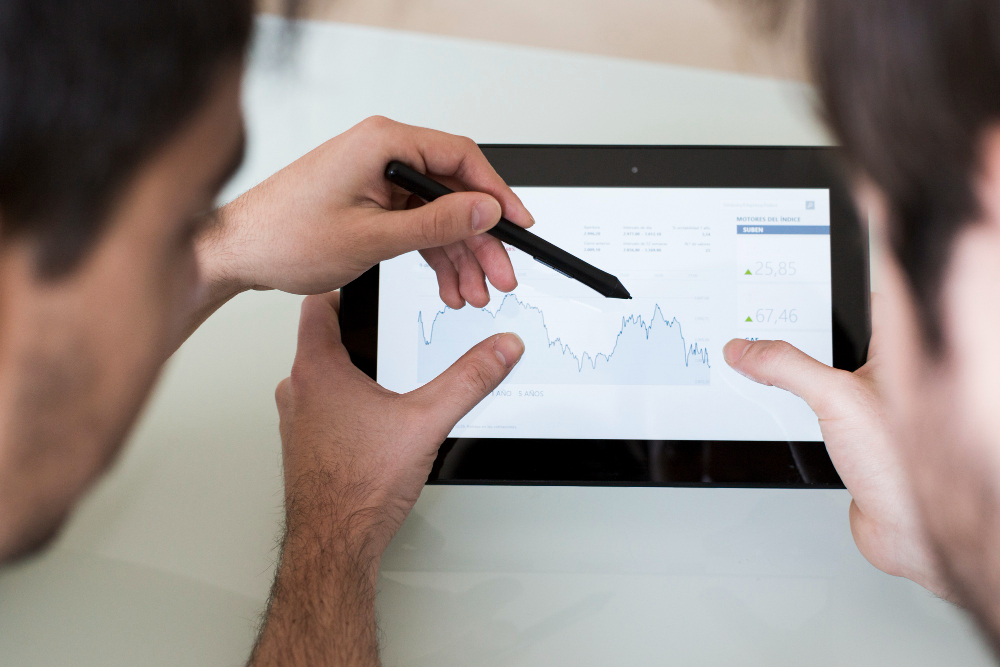
With ME-Short-Link, link analytics can help you review click activity and available traffic details, including device and country information. QR codes connected to your short links can also be tracked through the link analytics.
Look at several indicators:
- Clicks: How much activity did each link receive?
- Devices: Are people accessing your links from mobile devices or desktops?
- Countries: Where are your visitors located, when location data is available?
- Campaign traffic: Which sources and placements bring visits according to your UTM reports?
- Conversions: Which campaigns lead to purchases, registrations, or other goals, when conversion tracking is configured?
These metrics answer different questions. A high number of clicks may indicate strong interest, but it doesn't necessarily mean a campaign is generating sales. Compare link activity with website engagement and conversion data before deciding which campaign performed best.
You can learn more about link tracking and analytics to understand how short-link performance can support your reporting process.
Step 5: Export Analytics for Reporting
Campaign data is more useful when you can review it alongside your other marketing metrics.
Analytics export helps you prepare reports, compare campaign periods, and share performance information with colleagues or clients. ME-Short-Link Premium includes analytics export, so you can use available exported data in your reporting workflow.
A simple campaign report might include:
- Campaign name and date range
- Marketing channel and placement
- Short-link clicks
- Available device and country data
- Website sessions and conversions from your analytics platform
- Notes about budget, creative variations, or campaign changes
Keep in mind that short-link analytics and website analytics measure different parts of the journey. Click counts may not match website sessions exactly because of repeat clicks, browser behavior, redirects, tracking restrictions, or other technical factors.
For reliable comparisons, use the same date range and consistent campaign naming across your reports.

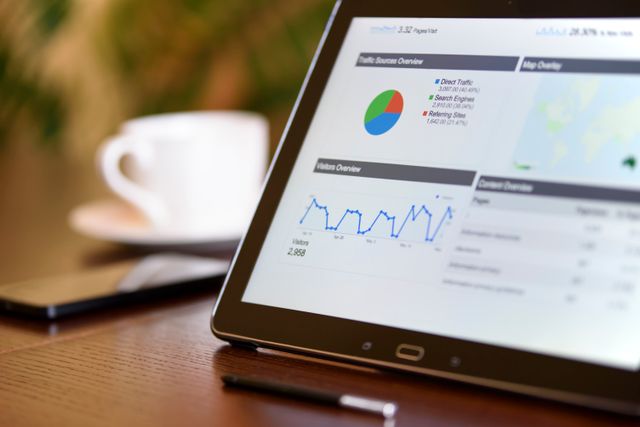
Step 6: Use Your Findings to Improve Future Campaigns
The purpose of campaign tracking is not just to collect data. It’s to make better decisions.
After reviewing your results, ask:
- Which channels generated the most link activity?
- Which ads attracted more clicks?
- Which campaigns brought the most valuable website visits?
- Did mobile and desktop audiences behave differently?
- Which campaigns generated conversions at an acceptable cost?
Use the answers to refine your next campaign. You might adjust ad creatives, change where you share links, test a different audience, or allocate more budget to a channel that produces stronger results.
If your campaigns require different destinations for different devices, countries, or traffic segments, ME-Short-Link Smart Links offer Premium smart redirects and targeting options. These features can route visitors according to configured rules, while tracking and analytics help you evaluate activity.
Common Campaign Tracking Mistakes to Avoid
A few simple practices can make your data more useful.
- Using one link for every placement: Create separate links when you need to compare channels or creative variations.
- Inconsistent UTM naming: Avoid switching between values such as paid-social, paid_social, and social-paid for the same channel.
- Measuring only clicks: Use website analytics and conversion tracking to understand what happens after someone clicks.
- Changing campaign names halfway through: Establish a naming convention before launching.
- Ignoring reporting periods: Compare campaigns over equivalent time ranges and account for differences in budget or reach.
- Assuming clicks equal unique visitors: Click counts and website sessions are different metrics and may not match.
A consistent setup makes it easier to understand performance and avoid misleading conclusions.

Final Thoughts
Short links can make marketing campaigns easier to organize and measure. Link tracking helps you monitor clicks and available traffic details, while UTM tracking connects your links to campaign reporting in compatible analytics platforms.
For a more complete workflow, create separate links for important placements, use consistent UTM parameters, review link and website analytics together, and export data when you need to prepare reports.
With ME-Short-Link, you can create and edit short links, generate QR codes, review link activity, and access Premium tools such as UTM tracking, Smart Links, and analytics export.
Explore ME-Short-Link to start creating trackable links for your next marketing campaign.
Frequently Asked Questions
Create a separate short link for each channel or placement you want to measure. Review link analytics to monitor click activity, and add UTM parameters to the destination URL to identify campaign traffic in a compatible analytics platform.