Nogle nyttige ting til dig
Vi har udvalgt nogle interessante ting, der måske kan interessere dig
QR Codes: GrabPay, GCash & Paytm Complete Guide
To create a QR code for a link, video or picture - click on the button below.
- GCash QR Code
- Paytm QR Code
- What Is a Paytm QR Code?
- GrabPay QR Code
- GrabPay vs GCash vs Paytm — Quick Comparison
-
Frequently Asked Questions about GrabPay, GCash & Paytm
- What is a QR code in GCash?
- How do I find my QR code in GCash?
- How do I generate a GCash QR code for cash in?
- How do I apply for a GCash merchant QR code?
- What is a QR code in Paytm?
- How does a Paytm QR code work?
- What is the Paytm All-in-One QR code?
- What is a dynamic QR code in Paytm?
- How do I get a GrabPay merchant QR code?
- What is GrabPay DuitNow QR?
- Can I print my GCash or Paytm QR code?
- Where can I use GrabPay QR?
QR code payments have taken Asia by storm — and the numbers back it up. From street food vendors in Manila to retail chains in Singapore and small shops across India, QR-based payments have become the default way to go cashless. But the landscape isn't unified: each market has its own dominant platform, its own standards, and its own rules.
This guide is for merchants, ecommerce sellers, and anyone expanding into Asian markets who needs to understand how GCash, Paytm, and GrabPay actually work — not just in theory, but in practice. Whether you're deciding which platform to set up for your shop, comparing options for cross-border payments, or simply trying to understand why your customers in the Philippines pay differently than those in India, you'll find the answers here.
We'll cover each platform in depth — what their QR codes are, how to get them, how payments work, and what merchants need to know — then bring it all together in a side-by-side comparison.
GCash QR Code
GCash is the Philippines' leading mobile wallet, trusted by over 94 million users and 6 million merchant partners across the country. Its QR code feature is one of the most widely used functions in the app — whether you're splitting a bill with friends or running a business.
What Is a GCash QR Code?
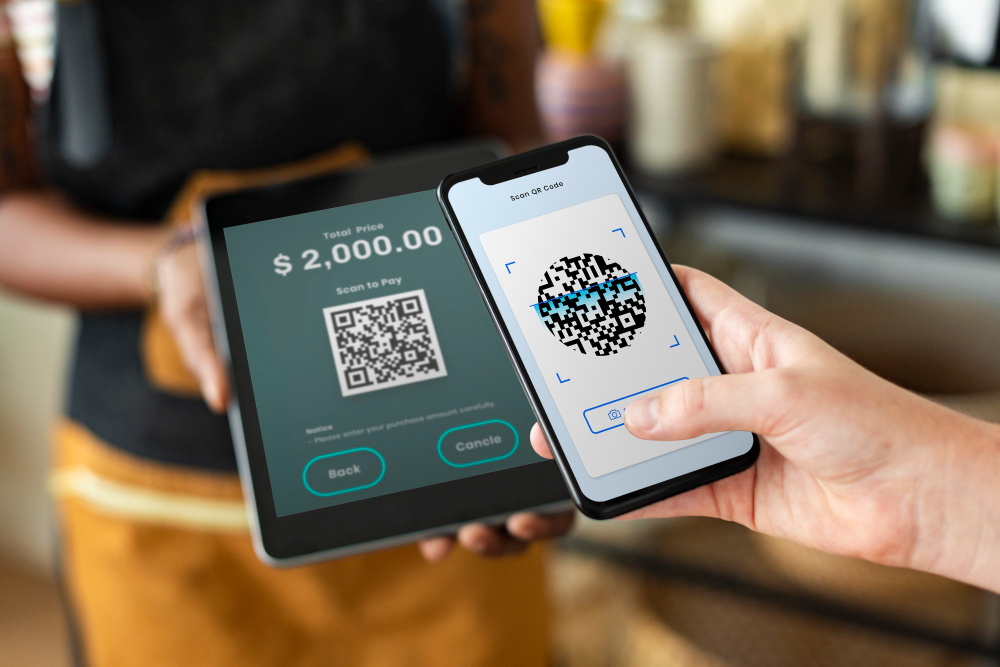
A GCash QR code is a unique scannable code linked to your GCash account. In practice, personal QR codes are often used not only for payments, but also for sharing vCard contact details without exposing phone numbers. Just show your QR code and they scan it.
There are two main types of GCash QR codes:
- Personal QR Code — used by individual users to receive money from friends, family, or anyone with a GCash account or any QR Ph-compatible bank or e-wallet.
- Merchant QR Code (Scan to Pay) — used by officially registered businesses to accept payments from customers in-store. Each merchant gets a unique QR code so transactions are always tied to the business, not a personal phone number.
How to Find and See Your GCash QR Code
Your personal GCash QR code is always available right inside the app. Here's how to find it:
- Open the GCash app and log in to your account.
- On the home screen, tap "Receive Money" or look for the QR code icon.
- Your unique QR code will appear on screen.
- You can save it to your phone, download it as an image, or share it directly.
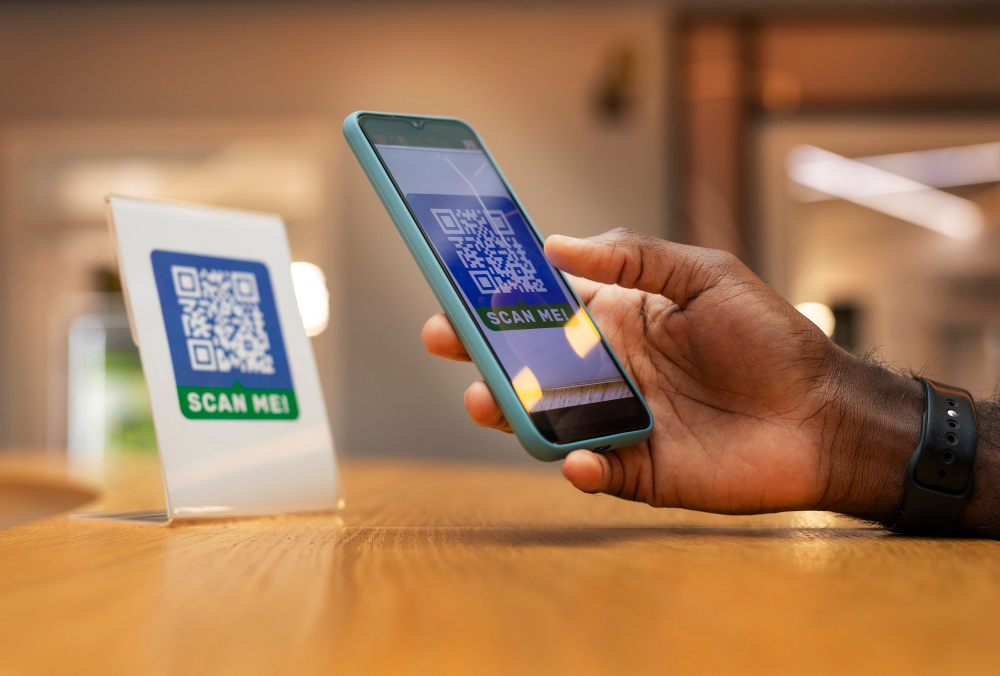
To download your GCash QR code, tap the download or save icon displayed alongside the QR code image. You can then share it via chat, print it, or upload it to your social media or website as a scannable entry point to a URL.
How to Generate a GCash QR Code
For personal use, your GCash QR code is automatically generated when you create your account — there's nothing extra to do. Just locate it in the app as described above.
For business use, you'll need to apply for an official GCash merchant QR code through the GCash for Business program. Here's how:
- Fill out the merchant application form on the GCash website. After submission, you'll receive an email with instructions and required PDF documents based on your business type.
- Complete KYC and submit all required documents (see eligibility requirements below).
- Once approved, GCash prepares your QR kit — which includes your unique QR code, a QR standee, door hanger, and in-store display materials.
- The kit is delivered to your registered business address.
Eligibility requirements for a GCash merchant account:
- Officially registered business (Sole Proprietorship, Partnership, or Corporation)
- You must be the authorized signatory of the registered business
- A valid email not previously registered with GCash for Business
- A fully verified GCash account with at least 12 months of activity
- Your business must belong to a low-risk industry
Processing time: GCash typically reviews merchant applications within one business day. After approval, kit delivery takes 7–11 business days for Metro Manila merchants, and 7–14 business days for provincial merchants.
How to Pay Using GCash QR Code
Paying via GCash QR is straightforward:
- Open the GCash app and tap "Scan to Pay" or the QR icon.
- Point your camera at the merchant's QR code.
- Enter the amount you want to pay.
- Confirm the transaction.
The payment QR codes go through instantly. Alternatively, if a shop has a scanner, you can show your own GCash QR code for them to scan at the counter.
How to Send and Receive Money via GCash QR Code
To receive money: Show your personal QR code to whoever is sending you money. They scan it with their GCash app or any QR Ph-compatible bank app or e-wallet, enter the amount, and confirm. The funds land in your GCash wallet immediately.
To send money: Tap "Send Money" or "Scan QR" in the GCash app, scan the recipient's QR code, enter the amount, and confirm. You can also upload a saved QR code image from your phone gallery instead of scanning in real time.
GCash QR Code for Business: Key Benefits
Using GCash as a business owner comes with some great advantages:
- No personal number required — each merchant has a unique QR code, keeping business and personal finances separate.
- Automatic daily settlement — funds received through your QR code for business are automatically transferred to your nominated bank account on the next banking day.
- Supports GCredit and GGives — customers can pay using GCredit or GGives, giving them more payment flexibility and potentially increasing your sales.
- Real-time notifications — a dedicated phone included in your QR kit receives SMS confirmations for every transaction, even without internet.
- Transaction reports — emailed within 24 hours so you can stay on top of your records.
- Works for both physical shops and online — display your QR code at your counter, where similar QR codes are often used to provide instant Wi-Fi access.
If your customers are in the Philippines, GCash isn't optional — it's expected. The merchant onboarding is structured, the QR kit arrives ready to use, and the ecosystem is deep enough to cover both in-store and online sales.
Paytm QR Code
Paytm is one of India's biggest digital payment platforms, widely used by individuals, small businesses, and large merchants alike. Its QR code ecosystem is one of the most developed in the country — offering everything from basic personal codes to dynamic merchant solutions. More than 800,000 merchants across India accept Paytm payments.
What Is a Paytm QR Code?
A Paytm QR code is a scannable code linked to your Paytm wallet or bank account. Customers or friends can scan it to send you money instantly using Paytm or any UPI-compatible app. For merchants, it's one of the simplest ways to start accepting digital payments without any hardware.
Types of Paytm QR Codes
Paytm offers several types of QR codes depending on your needs:
- Individual / Wallet QR Code — for personal use. Anyone can receive money from friends or family by sharing this code.
- Merchant QR Code — for shop owners and business sellers. Accepts payments from customers paying via Paytm, UPI, or linked bank apps. You can generate it through the Paytm for Business app.
- All-in-One QR Code — Paytm's most popular merchant solution. Accepts all payment modes including Paytm Wallet, all UPI apps, credit/debit cards, EMI, and net banking — all through a single QR code. It also gives you access to analytics, transaction monitoring, refund management, and dispute handling directly from the app dashboard.
- Dynamic QR Code — unlike a static QR code, a dynamic QR code is transaction-specific and can include a preset payment amount, reducing the chance of errors. It's most commonly used by larger merchants or those with POS integrations. Pricing may apply — check the Paytm for Business website for current rates.
How to Get or Generate a Paytm QR Code
For personal use:
- Log in to the Paytm app.
- Tap on "Scan & Pay" on your dashboard.
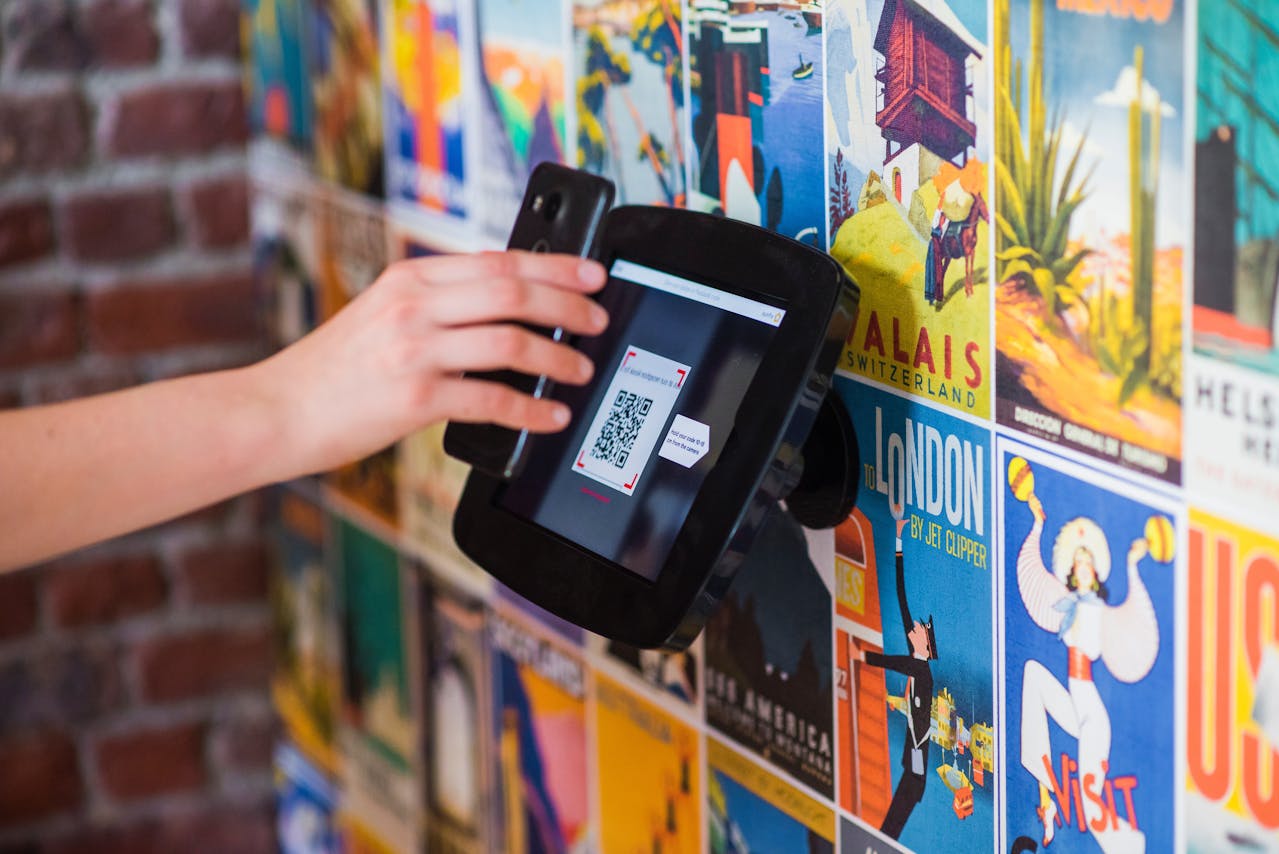
- Tap "Show Payment Code" — your personal QR code will appear on screen.
- Take a screenshot, email it to yourself, or print it for a physical copy.
Note: The "Show Payment Code" option requires the Paytm Android app version 5.5.12 or above.
For merchants and shop owners:
- Download and install the Paytm for Business app.
- Tap "Sign Up for Free" and enter your name and PAN or Aadhaar number.
- Fill in your business details and bank account information.
- Then logged in, tap "Order QR Code Sticker", then "Show QR Code" to generate your code.
- Tap "Activate QR Code" at the bottom of the screen.
- Print the QR code and place it on a stand or counter at your shop.
How to Pay Using a Paytm QR Code
To make a payment by scanning:
- Open the Paytm app and tap "Scan & Pay".
- Point the QR scanner at the merchant's QR code.
- Once detected, you'll see the merchant's name on the payment screen.
- Enter the amount, add an optional comment, and tap "Pay".
- You'll receive an instant confirmation on screen and via SMS.
To pay via UPI QR: Same scanning steps as above — once the QR is detected, choose to pay from your UPI-linked bank account, enter your UPI PIN, and confirm. Payment is deducted from your bank account directly.
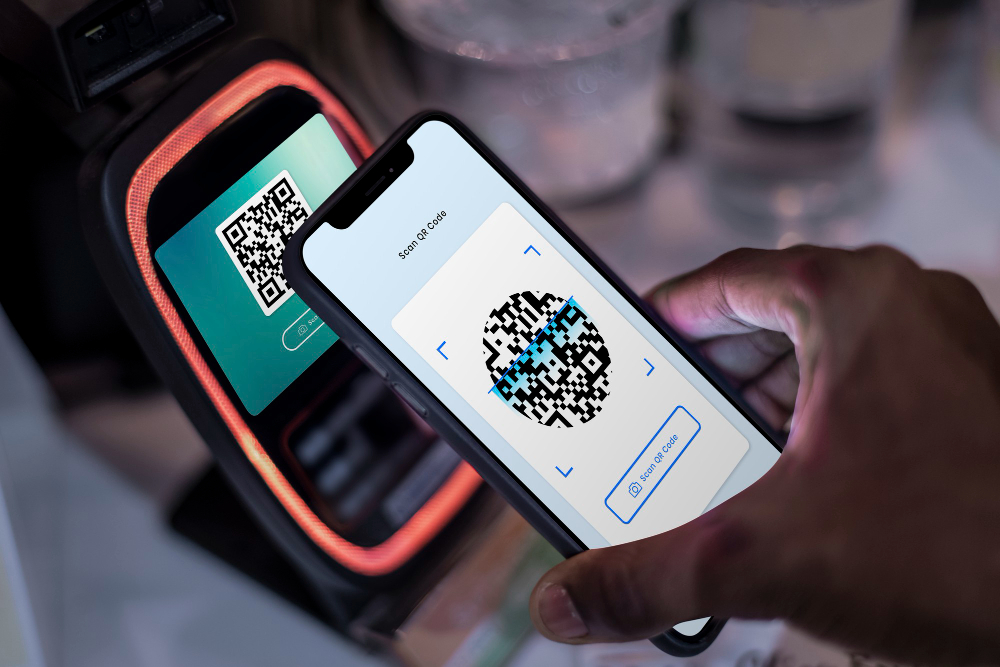
Paytm's scanner can also scan generic QR codes (plain text, URLs, contact info ) — not just payment codes. Access this via "Scan Any QR Code" on the bottom of the screen, or use "Scan from Gallery" to scan a saved image.
Paytm QR Code for Your Shop
Paytm makes it easy to get a physical QR code display for your shop:
- Sticker — a self-adhesive QR code sticker you can stick on your counter or wall.
- Stand — a desktop stand with your QR code printed on it, perfect for countertops.
- Plastic Stand — a more durable version of the desk stand, built for busy shop environments.
You can order these physical displays through the Paytm for Business app or the official Paytm for Business website. Some options are available at no cost for new merchants.
Paytm's strength is its reach within India's UPI QR code ecosystem. One QR code that works with every major payment app in the country — plus built-in analytics and physical display options — makes it one of the most complete offline payment setups available for Indian merchants.
GrabPay QR Code
GrabPay is the digital wallet integrated into the Grab super-app, which operates across Southeast Asia — including Singapore, Malaysia, Indonesia, Myanmar, Vietnam, the Philippines, Thailand, and Cambodia. With over 600,000 merchants in its network, GrabPay is one of the most widely accepted mobile wallets in the region.
What Is a GrabPay QR Code?
A GrabPay QR code is a payment code linked to a merchant's or user's GrabPay account. Customers can scan it using the Grab app to pay for goods and services instantly — at restaurants, retail stores, markets, and online. GrabPay also powers all cashless payments for Grab's own services like rides, GrabFood, and GrabExpress.
Types of GrabPay QR Codes
GrabPay offers three QR code payment solutions for merchants:
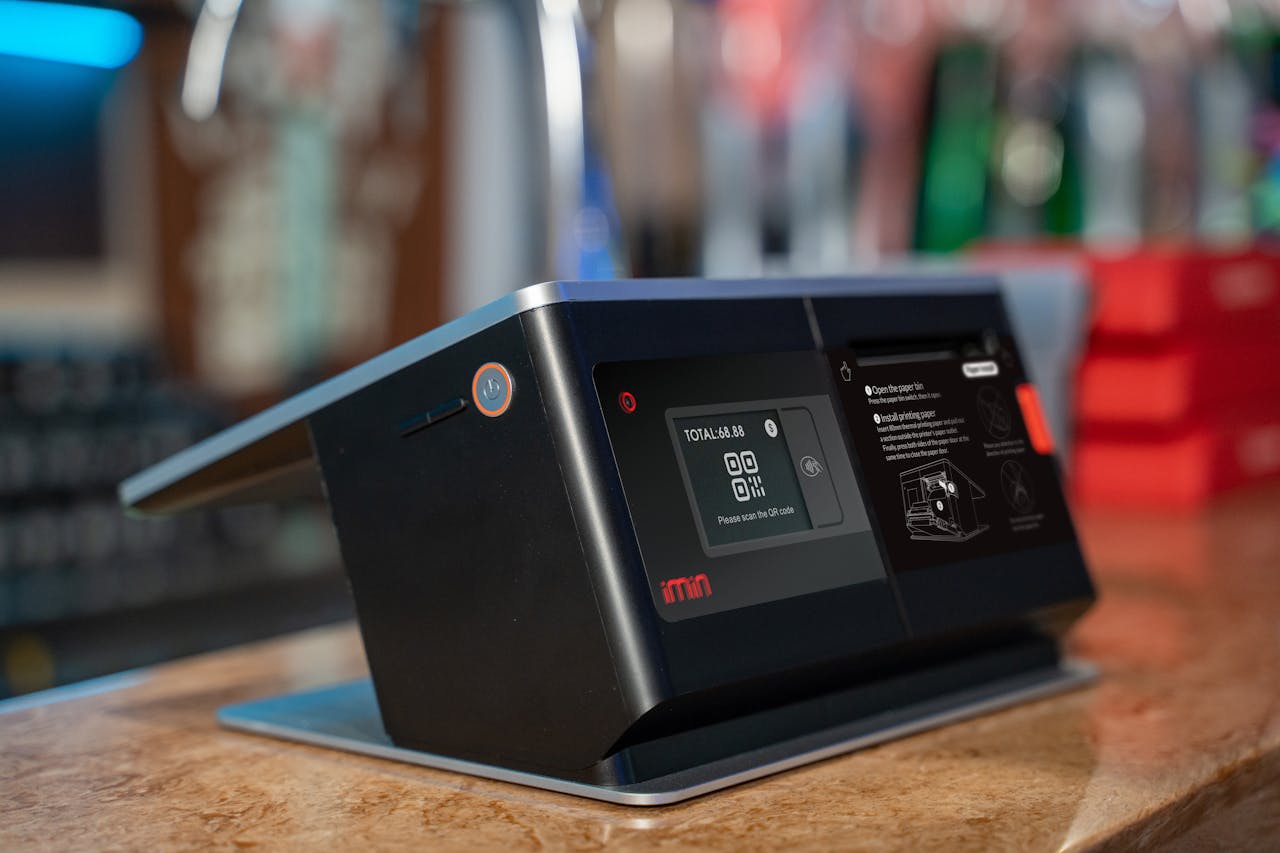
- Static QR Code — a fixed QR code displayed at your counter. Customers scan it, input the transaction amount, and swipe to pay. Simple and requires no POS hardware.
- Merchant Present Dynamic QR Code — a more seamless option where the QR code is generated at the POS and already includes the transaction amount. Customers simply scan and swipe — no need to type in a number. Great for reducing checkout errors.
- Consumer Present Dynamic QR Code — the customer displays their own GrabPay QR code, and the merchant scans it at the POS to collect payment. Commonly used at high-volume checkout counters.
GrabPay QR Code for Merchants
To accept GrabPay payments as a merchant, you need to register through the GrabMerchant portal or the GrabMerchant app:
- Visit the GrabMerchant portal or open the GrabMerchant app.
- Register your business and complete the required verification.
- Once approved, your GrabPay QR code will be generated and sent to your registered business address.
- Display it at your counter to start accepting payments.
For merchants in Malaysia, GrabPay offers GrabPay DuitNow QR — Malaysia's National QR Standard. This lets customers pay using not just GrabPay, but any participating bank or e-wallet app in Malaysia. Merchants who display the GrabPay DuitNow QR automatically become GrabPay Preferred Merchants, making their business visible in Grab's "Merchants Nearby" feature within the app. There are no additional charges for the DuitNow QR.
In Singapore, GrabPay is compliant with SGQR — Singapore's national QR code framework. This means merchants display a single SGQR code that accepts payments from GrabPay, PayNow, NETS, and other participating wallets, giving customers full flexibility regardless of which app they use.
Transaction management: All GrabPay QR transactions can be viewed and tracked through the GrabMerchant app and portal, with up to 90 days of transaction history available.
How to Generate a Personal GrabPay QR Code
For personal payments, GrabPay users can generate a personal QR code in the Grab app to receive money from other Grab users:
- Open the Grab app and go to the GrabPay wallet section.
- Tap "Receive" or the QR code icon.
- Your personal QR code will appear on screen.
- Share it directly or let others scan it.
Where Does GrabPay QR Work?
GrabPay QR is accepted across Southeast Asia, with strong adoption in:
- Singapore — widely used at retail outlets, hawker centers, and restaurants; compliant with SGQR, the national QR standard that enables payments from GrabPay, PayNow, NETS, and other participating apps.
- Malaysia — growing fast; the DuitNow QR standard also allows interoperability with participating banks and e-wallets.
- Philippines — gaining traction alongside GCash and other local wallets.
- Indonesia, Thailand, Vietnam, Myanmar, Cambodia — available through Grab's regional operations.
GrabPay also supports online checkout as a payment method on ecommerce platforms and merchant websites, and integrates with POS devices, allowing merchants to add GrabPay as a payment option without changing their existing hardware.
GrabPay's biggest advantage is cross-border reach. If you operate across multiple Southeast Asian markets — or want to tap into Grab's existing user base of millions — it's the only platform on this list that scales regionally out of the box.
GrabPay vs GCash vs Paytm — Quick Comparison
Each platform is built for its home market — and choosing the right one comes down to where your customers are and how they prefer to pay.
If you're operating in the Philippines, GCash is non-negotiable. With over 94 million users, it's deeply embedded in everyday Filipino life — from sari-sari stores to online shops. Its merchant QR program is well-structured, comes with physical display materials, and offers automatic daily settlement to your bank. For personal users, it's the fastest way to send and receive money without sharing sensitive account details.
In India, Paytm's All-in-One QR is one of the most versatile payment tools available for small and medium businesses. The fact that it accepts not just Paytm Wallet but every major UPI app, credit and debit cards, and EMI — all through a single code — means you never have to turn away a customer because of which app they use. Combined with built-in analytics and transaction management, it's a solid all-in-one solution for shop owners who want to go fully cashless with minimal friction.
For businesses across Southeast Asia, GrabPay offers something the others can't — regional reach. Whether your customers are in Singapore, Malaysia, Indonesia, Thailand, Vietnam, or the Philippines, they're likely already Grab users. And with options ranging from simple static QR codes to dynamic POS integrations and online checkout, GrabPay scales with your business whether you're a street vendor or an ecommerce store.
Ultimately, the rise of QR code payments across Asia reflects a broader shift toward a cashless economy — one where small businesses and individual users alike benefit from faster, safer, and more transparent transactions. Whether you're just getting started with digital payments or looking to expand your existing setup, understanding these platforms is the first step toward structuring QR experiences around a list of links that support multiple actions from a single scan.
If you're entering a single market, start with the dominant local platform — GCash for the Philippines, Paytm for India, GrabPay for Singapore or Malaysia. If you're operating across borders or building a product for the Southeast Asian market, GrabPay's regional infrastructure and interoperability with national QR standards make it the natural starting point. And if you're comparing platforms for a payment integration or fintech product, the table above gives you the clearest side-by-side view of what each ecosystem actually supports.
Frequently Asked Questions about GrabPay, GCash & Paytm
Open the GCash app, tap "Receive Money" or the QR icon on the home screen, and your personal QR code will appear. You can save or share it directly from there.
Go to the GCash app, tap "Receive Money", and display or share your QR code. The sender scans it and the money is credited to your GCash wallet immediately.
Submit an application at gcash.com/business. You'll need a verified GCash account with at least 12 months of activity, a registered business, and relevant documents. After approval, your QR kit is delivered within 7–14 business days.